Buying Guides
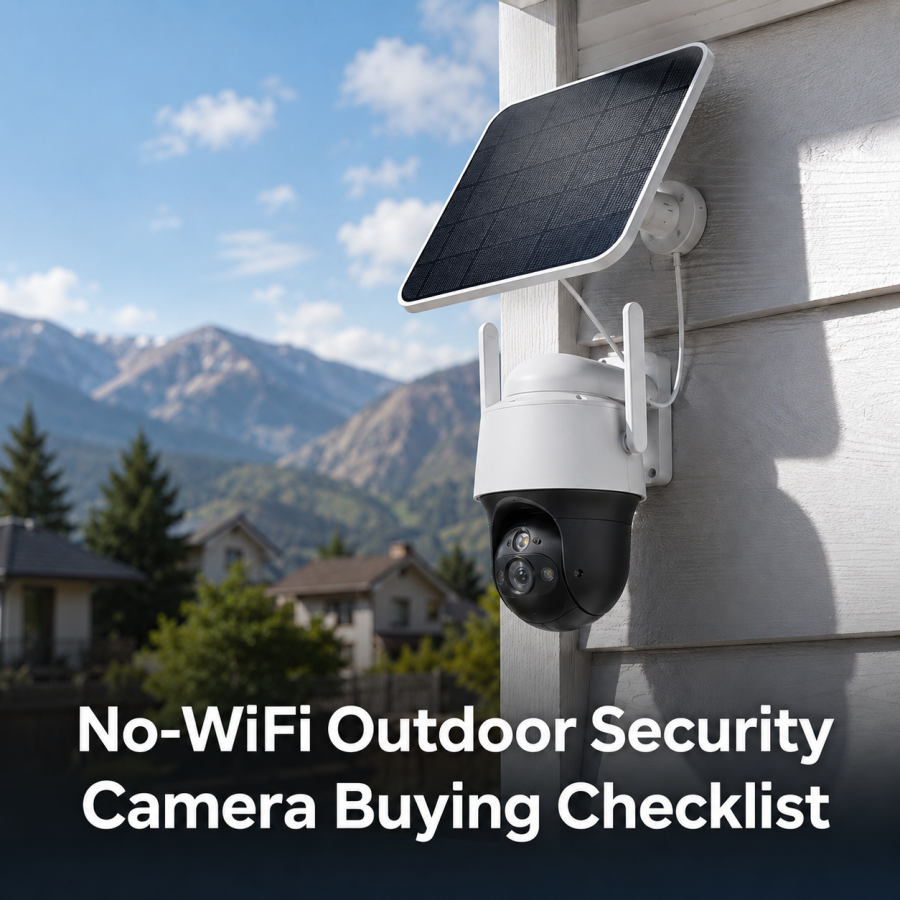
No-WiFi Security Camera Buying Checklist: 10 Things to Check
Short answer: before buying a no-WiFi camera, confirm cellular signal first. Then check power, SIM/data terms, storage, recording behavior, detection, night vision, weather suitability, mounting, app features, and total ongoing cost.
No-WiFi Security Camera Checklist
| # | Check Before Buying | Main Question |
|---|---|---|
| 1 | Cellular coverage | Is there usable signal at the exact mounting point? |
| 2 | Power source | Solar, battery, or wired? |
| 3 | SIM / data service | What is included and what happens after it ends? |
| 4 | Storage | SD, cloud, or both? |
| 5 | Recording behavior | Motion events, AOV, or another mode? |
| 6 | Detection | What triggers alerts and what filters exist? |
| 7 | Night vision | IR, color, spotlight, or floodlight? |
| 8 | Outdoor conditions | Does it fit the weather and temperature? |
| 9 | Mounting / solar | Can you get the view and sunlight needed? |
| 10 | App / total cost | Remote view, sharing, storage, service, maintenance? |
1. Check Cellular Signal First
A 4G camera does not need home WiFi, but it needs a cellular network. Test the exact installation point.
2. Choose the Right Power Source
Solar is useful where outlets are unavailable, but it needs adequate sunlight. If constant wired power exists, a plug-in option may be simpler.
3. Understand SIM and Data Terms
Check whether a SIM is included, whether there is an included period or trial, what network/region is supported, and how renewal works.
See the HOSAFE 4G data plan guide.
4. Decide Between SD Card, Cloud, or Both
Local SD reduces dependence on cloud retention, while cloud can keep eligible uploaded clips away from the camera.
5. Verify the Recording Mode
Do not treat every “24/7,” “continuous,” “AOV,” or event-recording claim as identical. Read the exact recording behavior for the model.
6. Check Detection and Alert Controls
Busy roads, livestock, trees, rain, and insects can create unnecessary alerts. Look for appropriate sensitivity, zones, or detection filters.
7. Match Night Vision to the Scene
Infrared, color night vision, spotlight, and floodlight modes fit different scenes. Choose based on the location, not just the feature name.
8. Confirm Outdoor Suitability
Check weather rating and operating-temperature specifications against the real installation environment.
9. Plan Mounting and Solar Exposure
The best camera angle and best panel position may not be the same. See the solar panel placement guide.
10. Compare App Features and Total Cost
Look beyond purchase price. Consider cellular service, optional cloud storage, SD card needs, number of cameras, sharing, live-view habits, and maintenance.
Who Needs a No-WiFi Camera?
- Farm and ranch gates
- Remote barns and equipment areas
- Cabins without home internet
- Construction sites
- Storage lots
- Detached garages beyond WiFi
- Long rural driveways
Ready to Compare No-WiFi Cameras?
Frequently Asked Questions
Can an outdoor security camera work without WiFi?
Yes. A 4G camera can use cellular connectivity instead of home WiFi when coverage and data service are available.
What should I check first before buying a 4G camera?
Cellular signal at the exact mounting location.
Do no-WiFi cameras require a monthly fee?
Cellular-connected cameras need data service, but pricing and included periods vary. Cloud storage may be separate.
141users like this.