Storage, Data & Troubleshooting
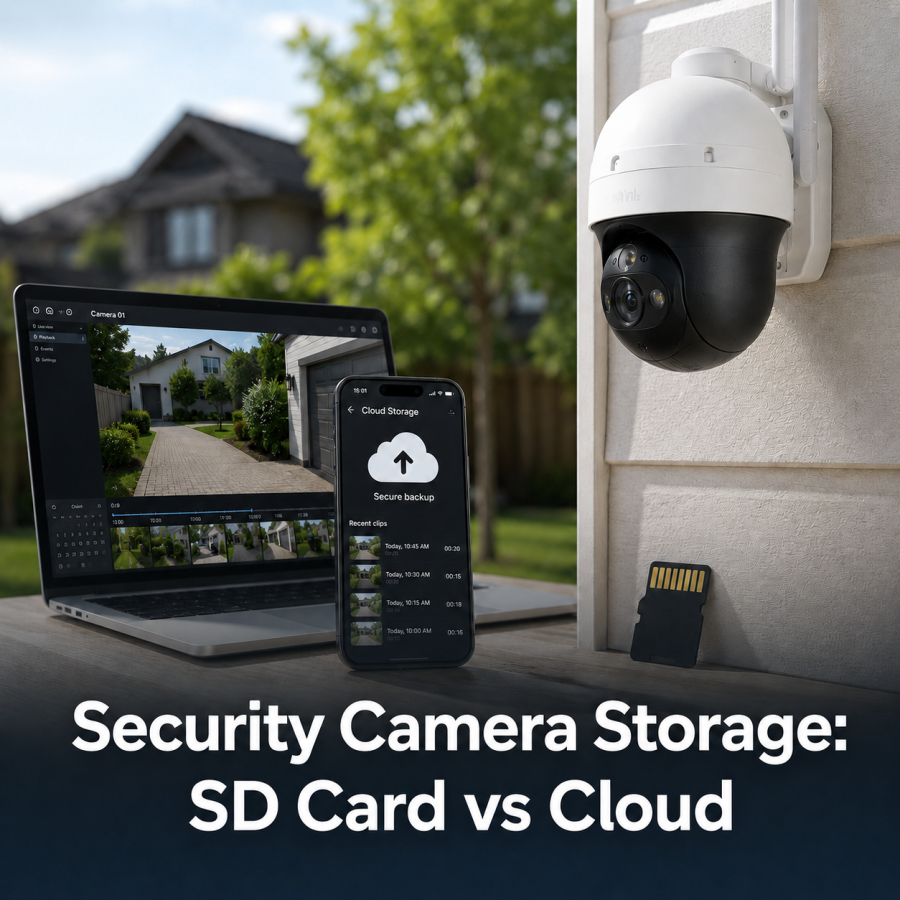
SD Card vs Cloud Storage for Security Cameras: Which Is Better?
Short answer: SD card storage is useful for local recording and lower recurring storage cost, while cloud storage keeps eligible uploaded footage away from the camera and makes remote access convenient. Neither is automatically better. If a camera supports both, local plus cloud storage can provide useful redundancy.
SD Card vs Cloud Storage: Quick Comparison
| Factor | SD Card | Cloud Storage |
|---|---|---|
| Stored where | Inside camera | Remote online service |
| Recurring storage fee | Often none after card purchase | May require subscription |
| Internet for local recording | Not always, model dependent | Needed for upload |
| If camera is removed | Card may be unavailable with device | Previously uploaded eligible clips may remain online |
| Remote access | Depends on camera/app | Designed for remote access |
| Retention | Card size / overwrite behavior | Service plan / retention terms |
When SD Card Storage Makes Sense
Local microSD storage fits users who want footage kept in the camera, prefer lower recurring storage cost, or do not want every recording to depend on cloud upload.
The Main Risk of Local-Only Storage
If the camera is damaged, stolen, or the card fails, local-only footage may be difficult or impossible to retrieve.
When Cloud Storage Makes Sense
Cloud storage is useful when remote access and off-device retention matter. Eligible clips are uploaded to a remote service, so they are not stored only inside the camera.
Does Cloud Storage Replace a Cellular Data Plan?
No. Cloud storage and network connectivity are different services. A 4G camera still needs cellular data for connected communication.
See the HOSAFE 4G data plan guide.
Why Dual Storage Can Be Useful
If the camera supports both SD and cloud storage, local recording can provide on-device access while cloud upload can provide an off-device copy of eligible events.
How to Choose
- How important is off-device evidence?
- Do you want recurring storage cost?
- How reliable is the network?
- How often do you review footage remotely?
- What does your exact model support?
Choose Storage Based on the Risk, Not Just the Price
For remote properties, consider network reliability, tampering risk, and how quickly footage needs to be retrieved.
Frequently Asked Questions
Is SD card or cloud storage better?
SD is strong for local recording and lower recurring storage cost; cloud is strong for off-device storage and remote access.
What happens to SD recordings if the camera is stolen?
If the card remains inside the stolen camera, local footage may no longer be accessible.
Can I use both?
On models that support both, yes. Check how the exact camera handles local and cloud recording.
272users like this.