Storage, Data & Troubleshooting
-
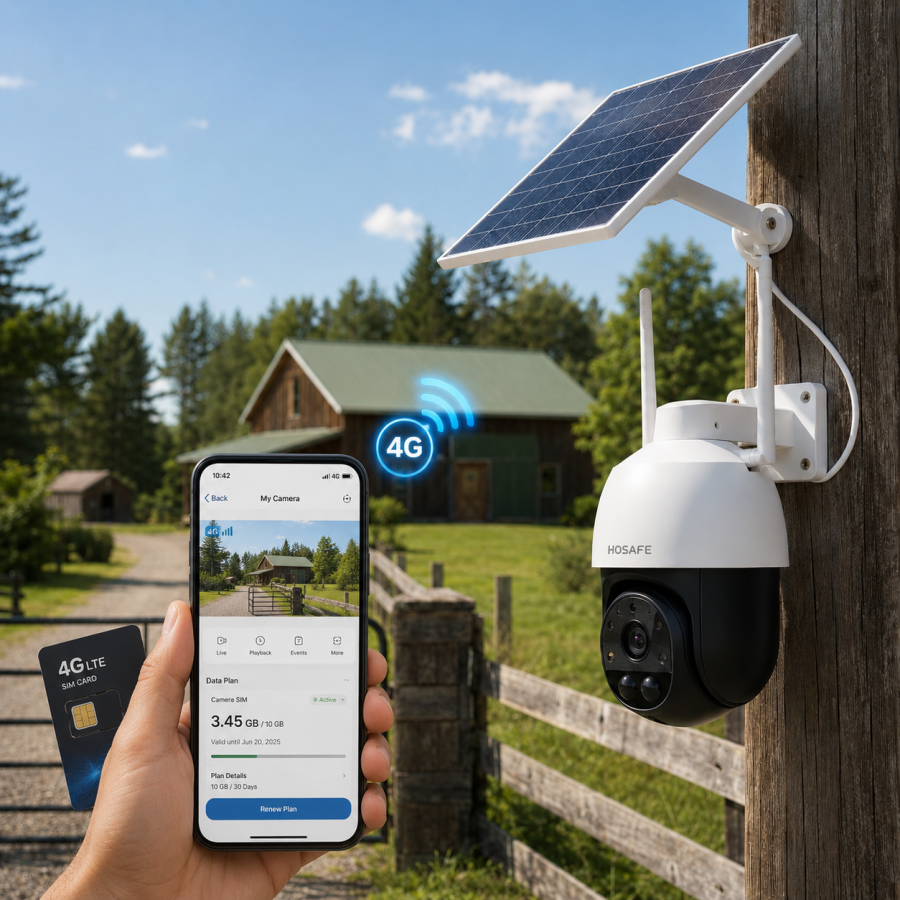
HOSAFE 4G Camera Data Plans: SIM Card, Data Usage & Renewal Guide
Short answer: HOSAFE 4G cameras use cellular service instead of home WiFi. Remote live view, alerts, cloud communication, and other connected features therefore depend on an active SIM/data connection...
-
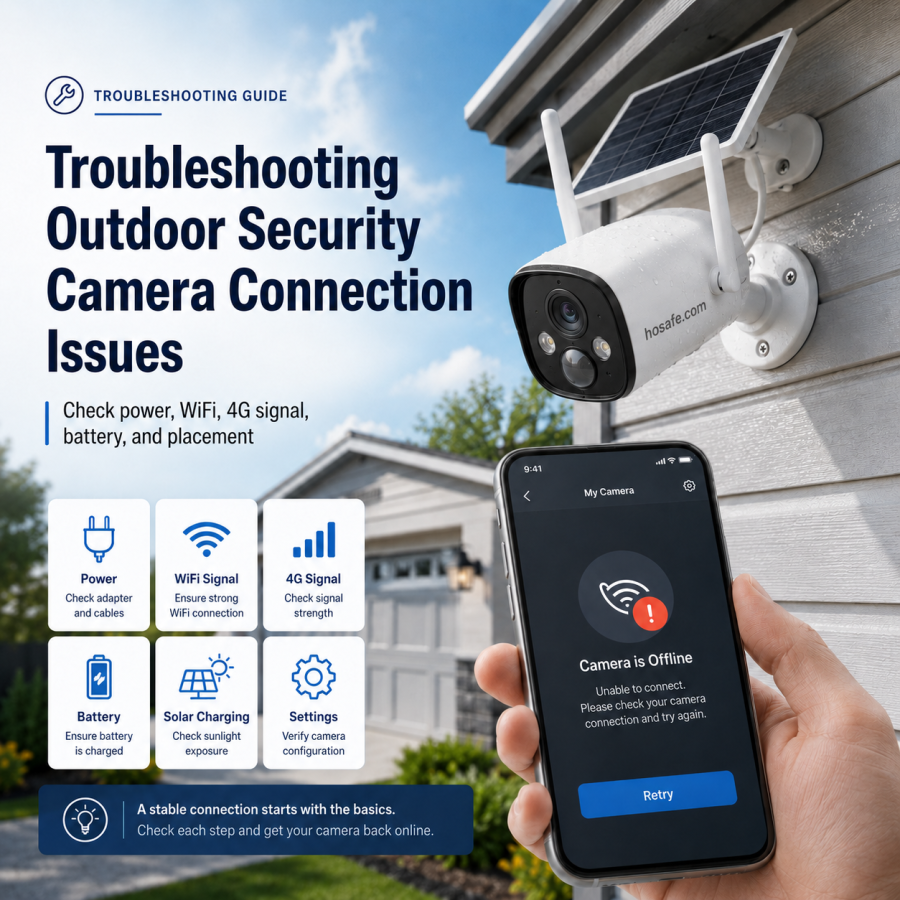
Security Camera Won’t Connect? WiFi and 4G Troubleshooting Checklist
Short answer: if a security camera will not connect, check power first, then identify whether it is a WiFi or 4G model. WiFi cameras commonly fail because of band, password, signal, or router problems...
-
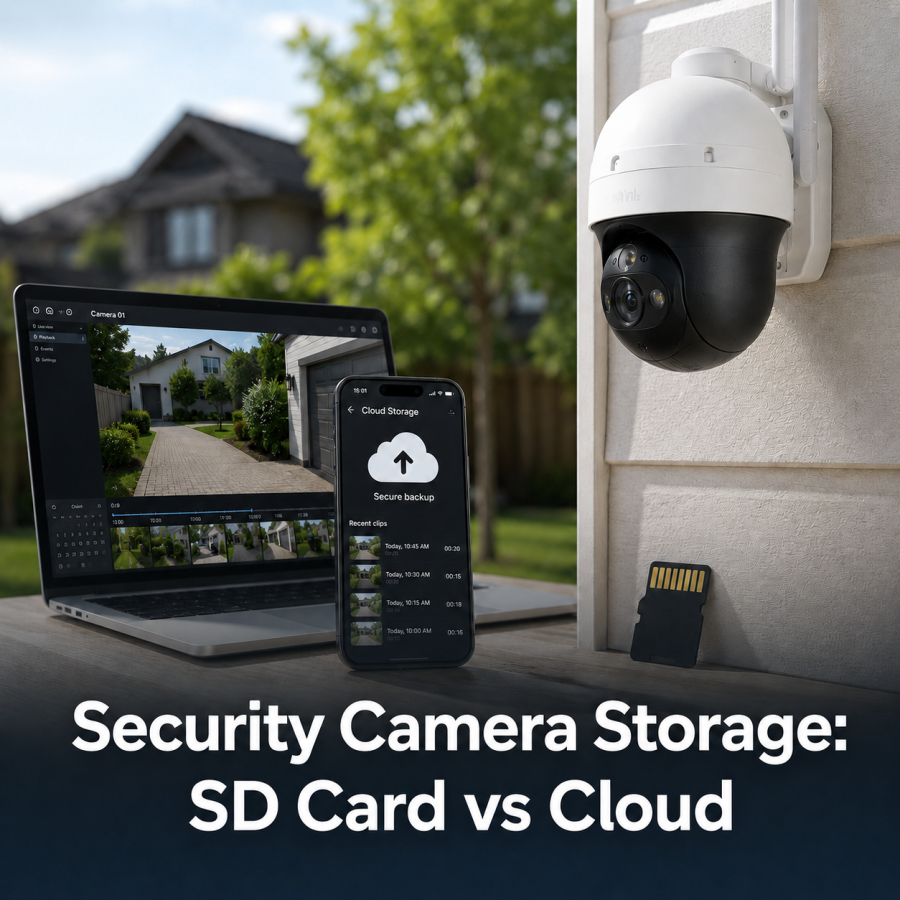
SD Card vs Cloud Storage for Security Cameras: Which Is Better?
Short answer: SD card storage is useful for local recording and lower recurring storage cost, while cloud storage keeps eligible uploaded footage away from the camera and makes remote access convenien...
-
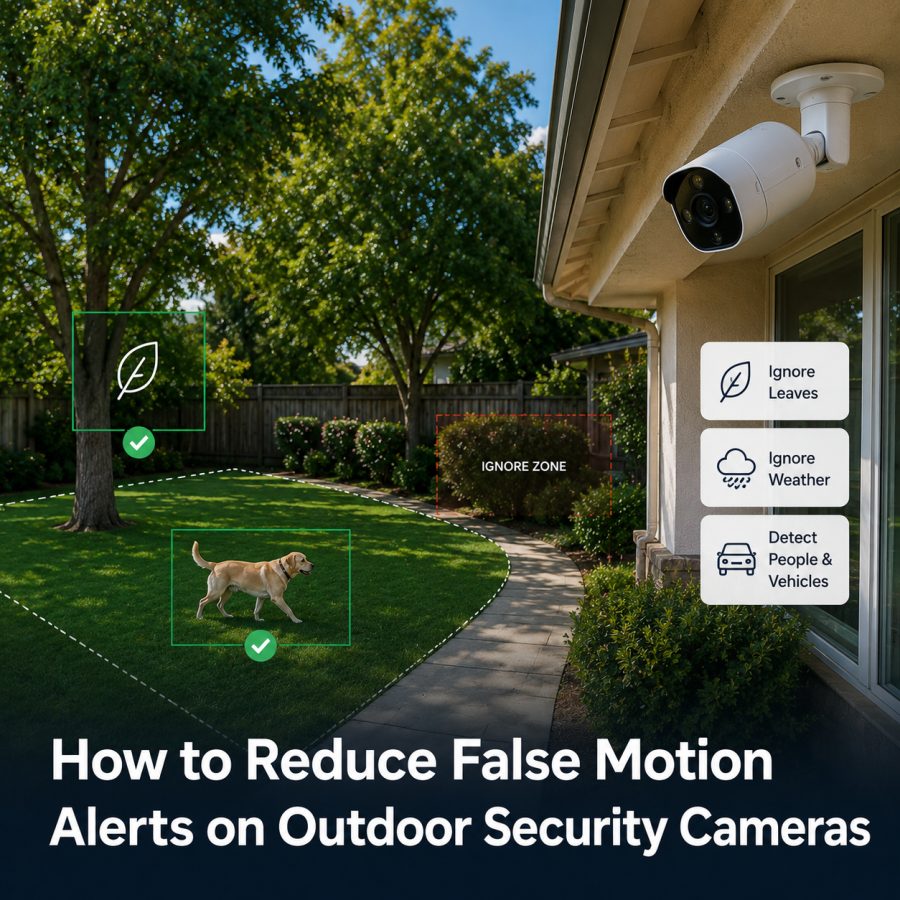
How to Stop False Motion Alerts on Security Cameras: 8 Fixes
Short answer: false motion alerts usually happen because the camera is watching too much of the scene, sensitivity is too high, or moving objects such as trees, cars, insects, rain, shadows, or animal...
-
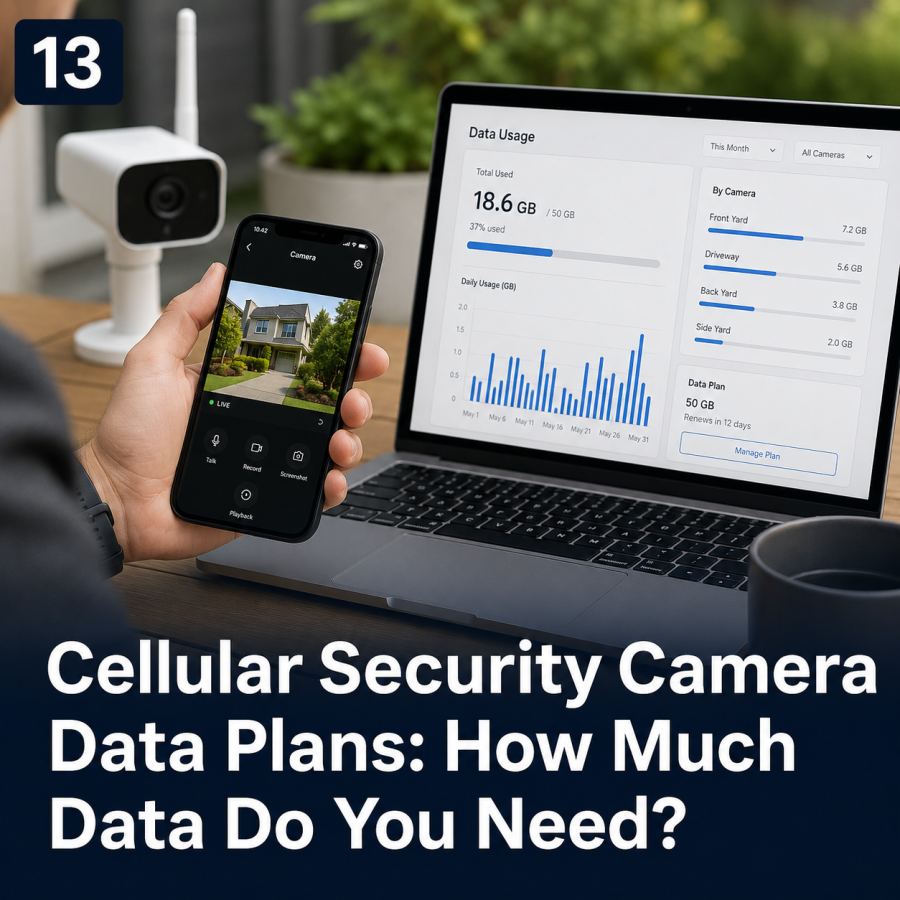
How Much Data Does a 4G Security Camera Use per Month?
Short answer: A 4G security camera does not use the same amount of cellular data all the time. Monthly data usage mainly depends on motion recordings, live viewing, cloud uploads, remote playback, vid...